Table of Contents
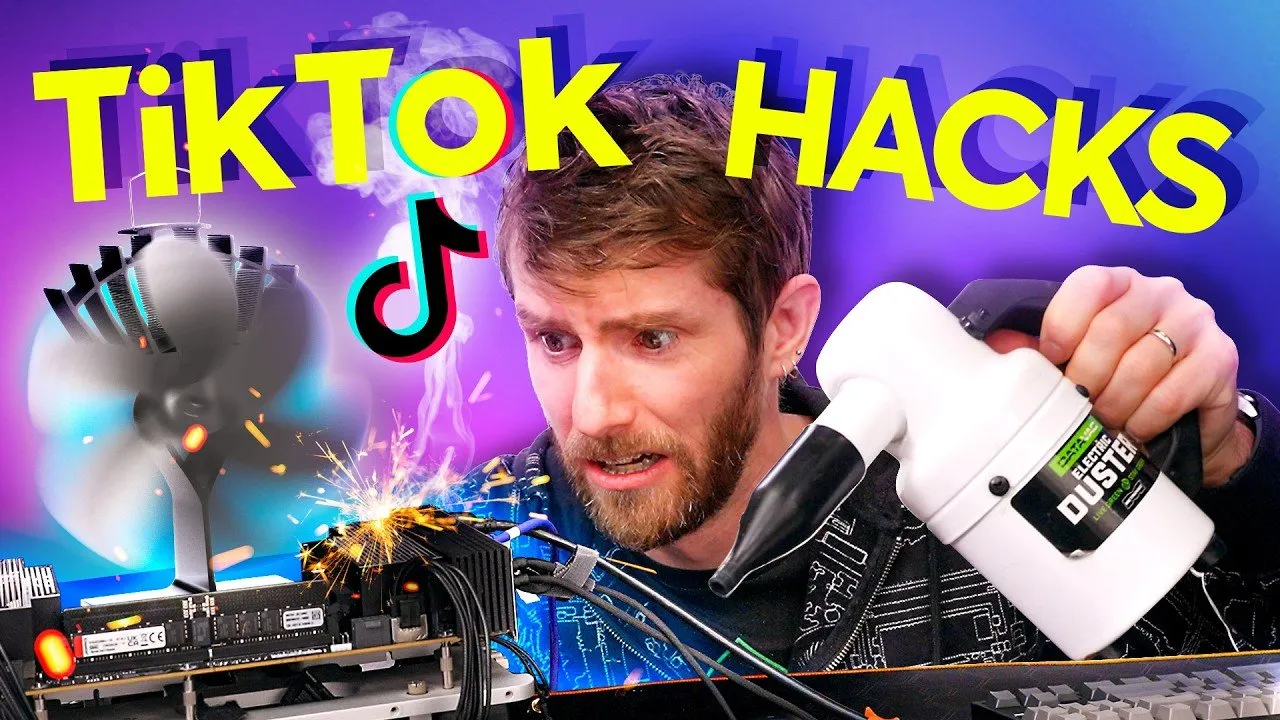
As social media platforms like TikTok increasingly serve as primary information sources for millions of users, the prevalence of unverified "tech hacks" has raised concerns regarding digital literacy and system stability. A recent investigation by Linus Tech Tips put viral computer performance tweaks on trial, testing claims ranging from "God Mode" folder shortcuts to dangerous modifications of Windows boot configurations.
Key Findings: The Truth Behind Viral Tech Hacks
- System Stability Risks: Many viral tips, such as altering boot processor counts in msconfig, offer no performance benefit and risk causing "boot loops" or system-wide crashes.
- Misleading Placebos: Numerous videos promise "maximum performance" through visual setting adjustments, which provide a negligible, strictly psychological "placebo effect" rather than actual hardware optimization.
- Security Vulnerabilities: Instructions involving command-line prompts and the deletion of system files—often framed as "clearing cache"—can inadvertently destabilize the operating system or expose users to potential security risks.
- Verifiable Tools: Not all advice is malicious; some legitimate diagnostic tools, such as Windows Reliability History and NVIDIA Clean Install, provide genuine, actionable data for troubleshooting.
The Anatomy of Tech Misinformation
The core issue with much of the "tech content" on short-form video platforms is a lack of technical context. Creators often instruct users to execute commands without explaining the underlying mechanics of the operating system. For example, the popular "God Mode" trick—which creates a folder to centralize control panel settings—was revealed to be little more than a directory shortcut, offering no "super-user" capabilities despite being marketed as a revolutionary performance hack.
Perhaps more concerning are the tutorials that advise users to manipulate internal Windows settings. In the Linus Tech Tips analysis, the team dismantled the common claim that manually setting the number of boot processors in msconfig improves speed. Experts confirmed that Windows manages core distribution dynamically. Altering these settings manually can lead to critical errors if the hardware configuration changes, such as upgrading a CPU.
"Rule of thumb: If something says Windows plus R and then type anything in, don't do it until you know what it does. And if they say delete a bunch of stuff, also don't just listen. Don't just take their word," the reviewers noted during the assessment of system-altering scripts.
Distinguishing Legitimate Advice from "Tech Slop"
While the platform is saturated with misinformation, high-quality technical expertise does exist within the ecosystem. The investigation highlighted creators such as Matt’s Computer Services, who utilize Windows’ built-in, underutilized diagnostic tools like Reliability History. These tools allow users to track intermittent errors and hardware failures without resorting to dangerous, non-standard scripts.
Furthermore, the team distinguished between "optimizations" and "housekeeping." While disabling unnecessary startup apps can legitimately reduce RAM usage and improve boot times, it is distinct from the false promise of boosting frame rates in high-end gaming. True performance gains are almost exclusively found at the driver level, provided users stick to reputable sources like TechPowerUp for utility downloads rather than discord-linked files of unknown origin.
Moving Toward Responsible Consumption
The investigation serves as a cautionary tale for users looking to optimize their PCs based on viral trends. The recurring theme throughout the assessment was that if a "hack" sounds overly simplistic or requires the user to delete system files without explanation, it is likely either ineffective or actively harmful to system integrity.
As these platforms continue to evolve, the burden of verification remains with the user. Before executing any registry changes or command-line inputs, users are encouraged to research the specific function of the command and rely on established industry resources rather than anecdotal "hacks" that lack verifiable outcomes. For those seeking genuine performance improvements, focusing on driver updates and established, manufacturer-supported tools remains the safest and most effective path.