Table of Contents
Modern personal computers, even high-end desktop towers, are frequently shipped with a suite of pre-installed software—commonly referred to as bloatware—that can significantly degrade system performance and efficiency. A recent investigation into these factory configurations and user-installed applications reveals that the cumulative impact of "value-added" software creates a measurable, and often severe, tax on hardware resources, power consumption, and boot times.
Key Points
- Performance Degradation: A system loaded with excessive peripheral drivers and third-party software can suffer up to a 16% performance drop in synthetic and productivity benchmarks.
- Idle Power Consumption: Bloatware increased idle power draw from 38 watts to 61 watts—a 60% surge—as background processes constantly cycle through system resources.
- Boot Time Impact: A heavily "bloated" machine can take nearly four minutes to boot, compared to a clean system, adding minutes of latency to daily workflows.
- Gaming Stability: While lightweight bloatware showed minimal impact, peripheral-heavy software suites caused frame pacing issues and significant drops in 1% low framerates during gaming.
The Anatomy of Bloatware
While the concept of pre-installed software originated in the 1990s as a value-add for consumers, the industry has shifted toward using these installations as a revenue-generating mechanism. By partnering with third-party software vendors, Original Equipment Manufacturers (OEMs) can offset the thin profit margins on hardware sales. This results in devices that arrive pre-loaded with trial versions of antivirus software, cloud storage services, and proprietary driver utilities that often run persistently in the background.
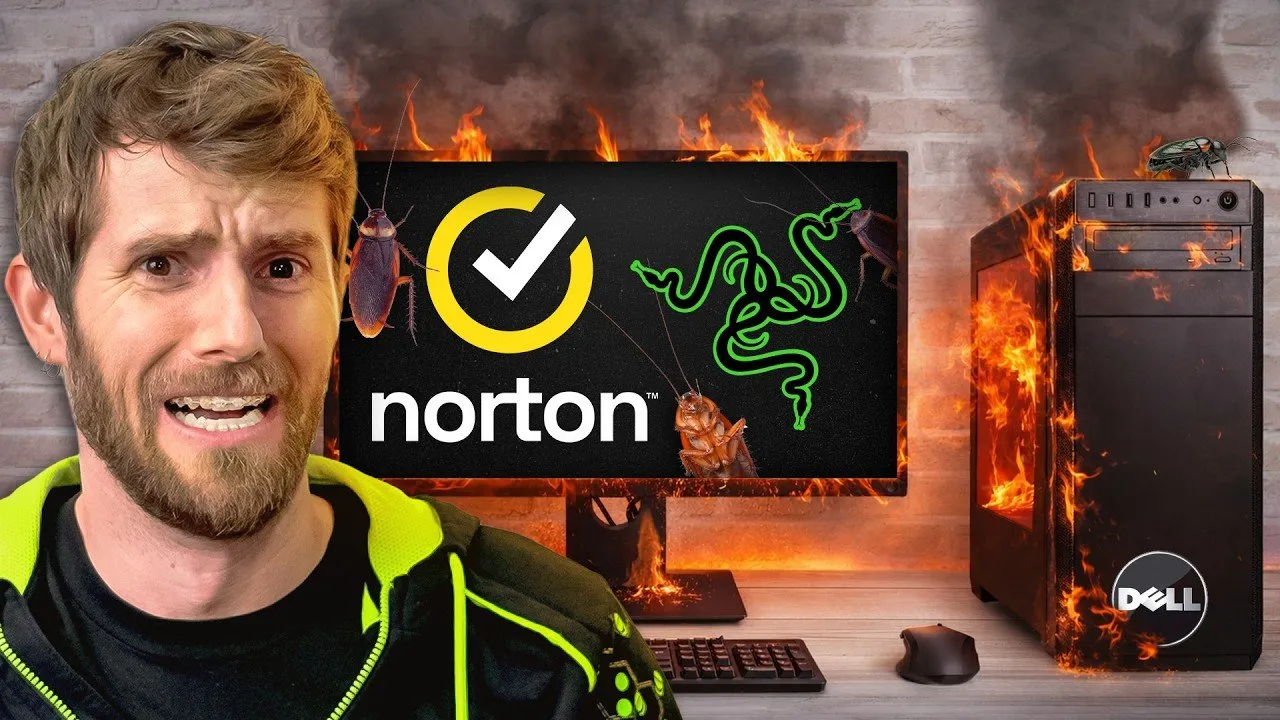
The investigation tested a Dell Tower Plus desktop under three distinct conditions: factory-bloated, cleaned-up, and a "maximalist" state where every single software offer and driver prompt was accepted. The results indicated that while basic factory bloat caused only minor performance fluctuations, the introduction of multiple competing security suites and peripheral control software created a "system-level tax" that compounded with every additional installation.
"Why would anyone go out of their way to create a worse customer experience for their product? The answer is money, but it's also a bit more nuanced. In order to boost their margins, PC makers took what used to provide extra value for their customers and weaponized it to shore up their profits."
Cumulative System Impact
The most significant findings emerged when testing the intersection of gaming peripherals and utility software. Users often encounter prompts to install driver suites (such as MSI Center, Corsair iCUE, or Razer Synapse) when connecting keyboards, mice, and headsets. These applications often require administrative privileges and initiate their own background services for RGB lighting, macro management, and automatic updates.
When these utilities are stacked—for instance, running McAfee, Avast, Malwarebytes, and Norton 360 simultaneously alongside multiple peripheral managers—the system architecture struggles with resource contention. The testing observed that these conflicts are not merely nuisances; they manifest as "horrific" frame pacing issues in demanding titles like Cyberpunk 2077, where 1% low frame rates were halved in the most extreme bloat scenarios.
Best Practices for Mitigation
For individual users, the most effective defense remains vigilance during the installation process. Unchecking bundled software offers remains the primary way to maintain system integrity. For those who utilize multiple RGB-enabled peripherals, community-developed solutions like OpenRGB may serve as a lightweight alternative to running five or six competing, resource-heavy proprietary control suites.
In enterprise environments, the challenge is amplified by employees who may inadvertently agree to every software prompt. Security solutions, such as Threat Locker, have gained traction by using ring fencing and allow-listing to prevent unauthorized software from executing, even if a user explicitly clicks "yes" on a deceptive installation prompt. By shifting from a reactive "antivirus" mindset to a proactive "deny-by-default" approach, administrators can ensure that systems remain performant while eliminating the operational drag caused by unnecessary background applications.