Table of Contents
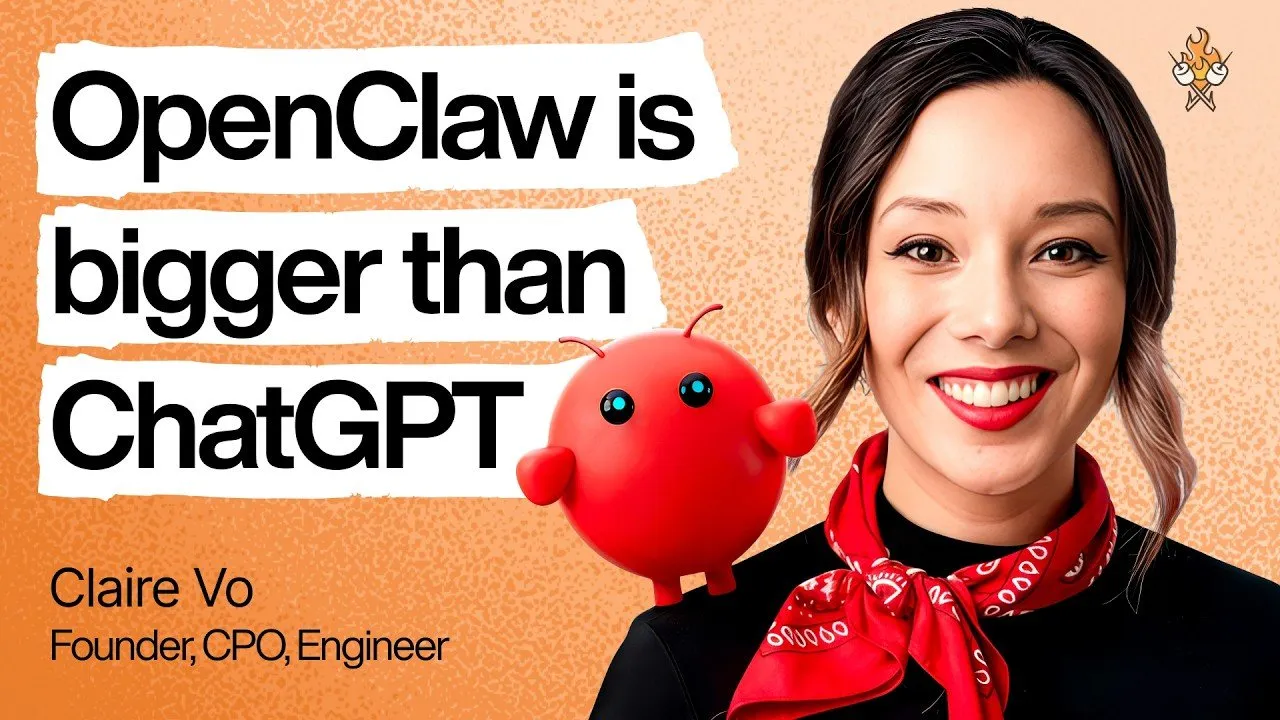
For many professionals, the initial encounter with OpenClaw is marked by frustration. Claire Vo, a seasoned engineer, three-time Chief Product Officer, and host of the How I AI podcast, was no different. Her first attempt at installation resulted in a grueling eight-hour setup that ultimately deleted her entire family calendar. Yet, today, she is a self-proclaimed "OpenClaw bro," running nine distinct agents across three computers to manage her professional and personal life. Her journey from skeptic to power user offers a pragmatic roadmap for anyone looking to move beyond the AI hype cycle and harness actual utility.
Key Takeaways
- Think of agents as employees: Don't try to force one agent to do everything. Build a team of purpose-built agents—like a salesperson, a family manager, or a researcher—to avoid context overload.
- Prioritize security with physical separation: Because OpenClaw has deep access to your files and data, run it on a dedicated, "clean" device (like a Mac Mini) rather than your primary work laptop.
- Treat AI like a teammate: High-quality results require high-quality management. Spend time crafting clear "souls" (instructions) and maintaining organized documentation for your agents.
- Don't fear the terminal: The installation is straightforward, but it requires patience. Use tools like Claude Code to help troubleshoot and "manage" your agents when they run into configuration issues.
The Evolution from Skeptic to Power User
Claire Vo’s transition highlights the reality of cutting-edge software: early friction is often a signal of genuine product-market fit. When a tool is genuinely useful, users are willing to endure the "sharp edges" and technical hurdles to make it work. For Vo, the breakthrough came when she stopped viewing OpenClaw as a general-purpose chatbot and started treating it as a digital workforce. By creating individual identities—Polly for work, Finn for family logistics, Sam for sales—she bypassed the limitations of context windows and built a system that feels proactive rather than passive.
You really have to pull the thread on these tools and you have to spend enough time with them to see not where they are today, but where they are in a week and where they are in a month.
Designing Your Agentic Infrastructure
The "Soul" and Heartbeat of the System
What makes OpenClaw feel "alive" is not magic; it is a combination of encoded identity and heartbeat scheduling. Every agent has a configuration file—its "soul"—that defines its personality, constraints, and operational style. By defining these parameters clearly, you ensure the agent understands its role. The "heartbeat" refers to the agent’s ability to run recurring tasks at intervals, allowing it to check calendars, perform CRM sweeps, or send reminders without human intervention.
Physical Partitioning and Security
A critical lesson from Vo's setup is the importance of compartmentalization. Running an agent with broad permissions on your main computer is a risk, especially regarding prompt injection or accidental file deletion. By using dedicated, separate hardware (like a Mac Mini), you ensure that if an agent encounters a problem, it remains sandboxed within its own environment. This physical separation mimics how you would organize a real-world office: you wouldn't give every employee access to the same sensitive documents.
Real-World Utility: From Sales to Parenting
The true value of OpenClaw lies in the tasks that are tedious for humans but perfect for an agent. Vo demonstrates this through several specific use cases:
- Sales Automation: Her agent, Sam, performs a daily sweep of CRM signups, enriches prospect data using professional search tools, and drafts personalized outreach emails.
- Family Logistics: Her agent, Finn, manages complex basketball schedules and soccer practices, even prompting her and her husband to coordinate daily pick-up duties.
- Project Management: For her online course, her agent, Sage, keeps her and her co-teacher on track by drafting LinkedIn posts, managing syllabus updates, and reminding them of impending deadlines.
I don't actually think it's AI psychosis. I have nine Slack channels that I do my work in. We don't have to make it weird; we can make it very practical.
Overcoming Technical and Operational Hurdles
Managing the "Browser" Problem
Critics often point out that AI agents struggle with browser interactions. Vo agrees, noting that modern websites are often hardened against bot traffic. Her advice? Look for an API first. If no API exists, accept that browser automation is currently a fragile, trial-and-error process. Use it only where necessary, and if an agent struggles with a specific site, stop trying to force it—reorient your system to solve the underlying problem instead of fighting the UI.
Managing Memory and Maintenance
Agents can sometimes "forget" previous interactions. Instead of trying to harden the database, Vo suggests maintaining "operational hygiene." Treat your agent like an employee: at the end of a session, ensure action items are documented. If the agent struggles with a specific tool, edit the tools.md file directly. This manual oversight ensures the agent remains aligned with your expectations.
Conclusion
The era of basic chatbot interaction is giving way to the era of agentic workflows. As Claire Vo emphasizes, you do not need to be a coding genius to succeed; you need to be a manager. By applying fundamental principles of organization, role scoping, and clear communication, you can unlock productivity gains that were previously inaccessible. Whether you are a solo entrepreneur or a parent managing a busy household, the ability to "hire" and direct your own digital team is no longer a futuristic dream—it is a practical, albeit hands-on, reality for those willing to pull the thread.